
Technical and organizational measures (TOM)
In the Metasoul module “Technical & Organizational Measures”, the technical and organizational measures implemented in the company to protect personal data can be documented, tracked, and managed.
While technical and organizational measures can be defined individually, Metasoul already provides predefined TOMs that can match the respective processes within the company.
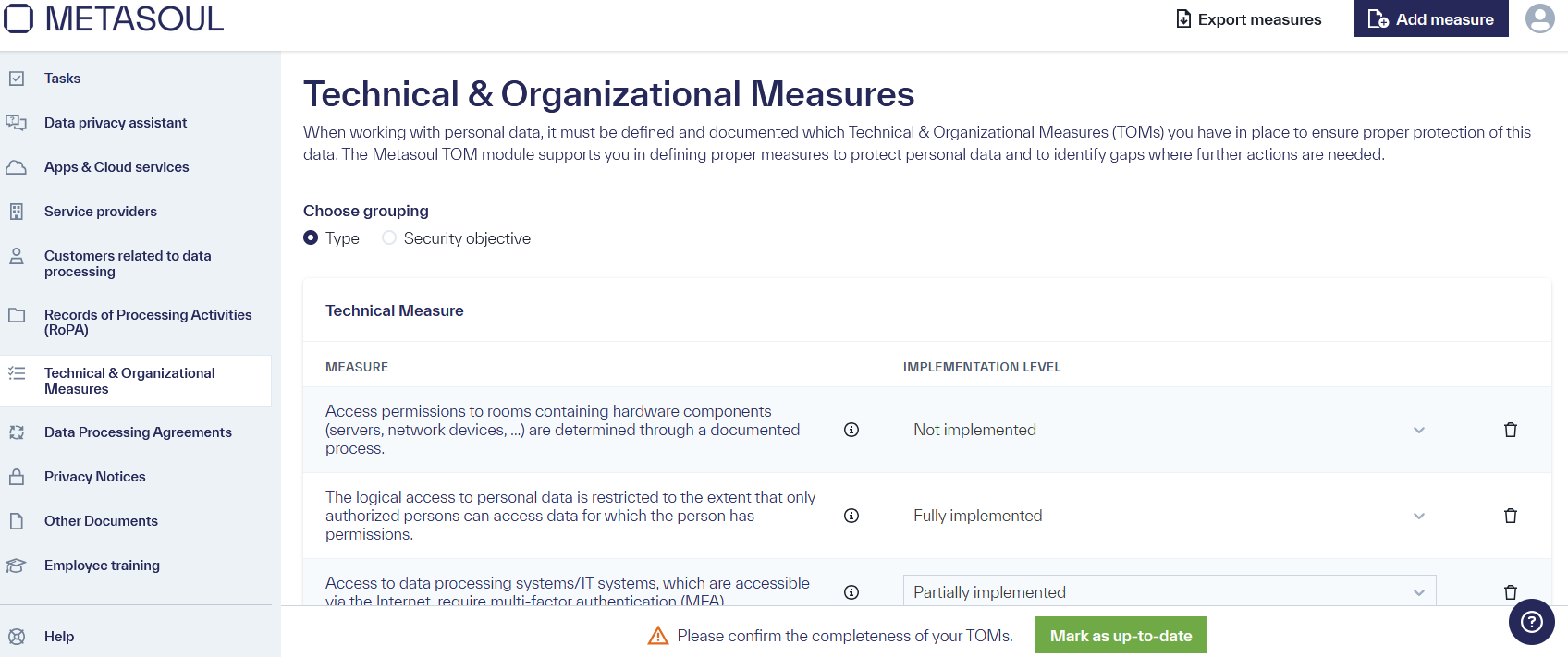
The GDPR requires that personal data be adequately protected in relation to processing based on the associated risks through technical and organizational measures.
This means there are no clear rules on when to apply which technical and organizational measures (TOMs); instead, it is always to be decided individually in the context of the respective company which measures are appropriate.
Metasoul aims to create technical and organizational measures based on various details in the company profile and other completed questionnaires that are, based on experience, suitable for the respective situation and align with common industry standards.
Many companies with less experience in properly assessing the implementation of appropriate technical and organizational measures can adopt the suggestions from Metasoul to establish a solid and highly likely appropriate foundation for protecting personal data.
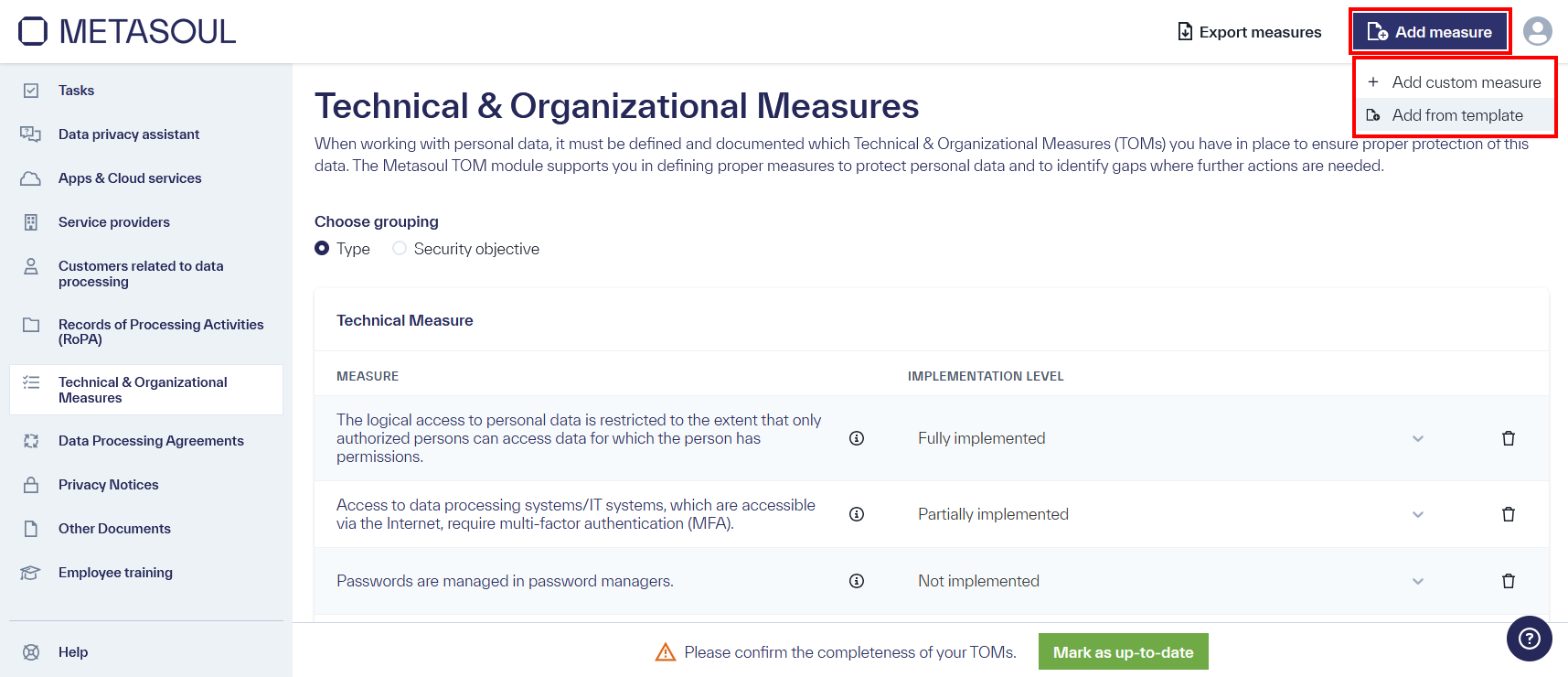
Technical and organizational measures (TOMs) can be created in the module “Technical & Organizational Measures” by selecting the option “Add Measure.”
Two options are available: “Add Custom Measure” and “Add from Template.”
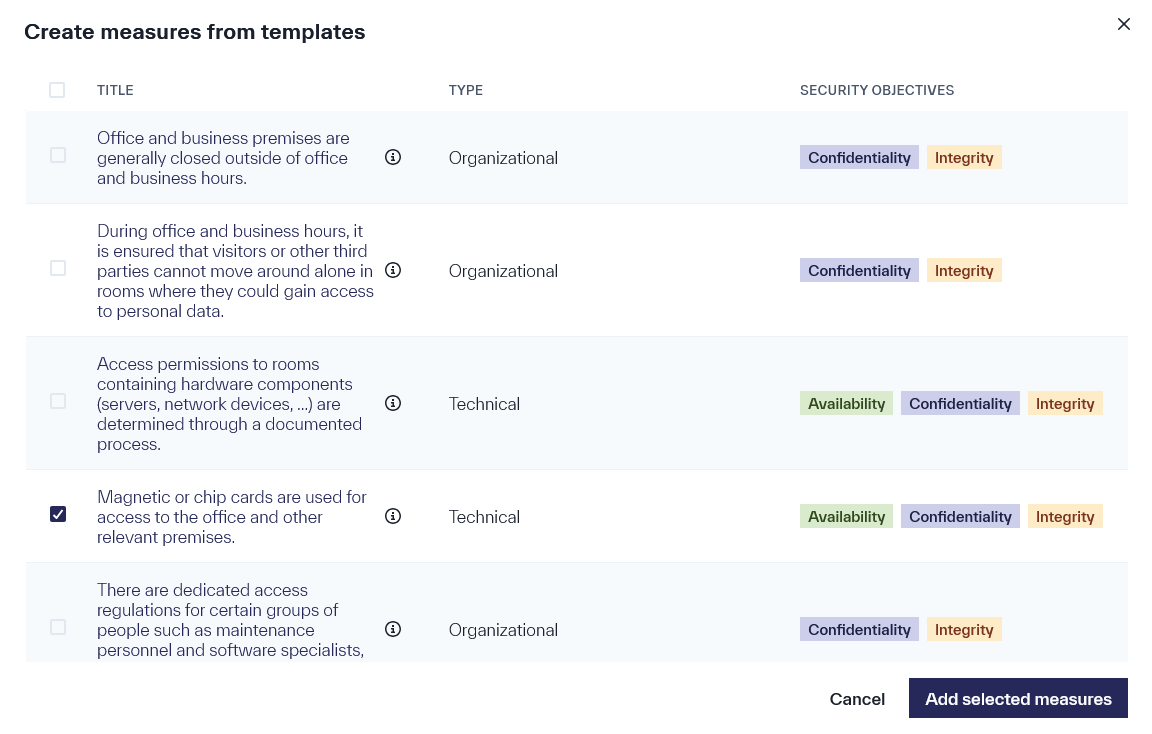
If the template option is chosen, an overview opens where measures from the TOM templates provided by Metasoul can be selected.
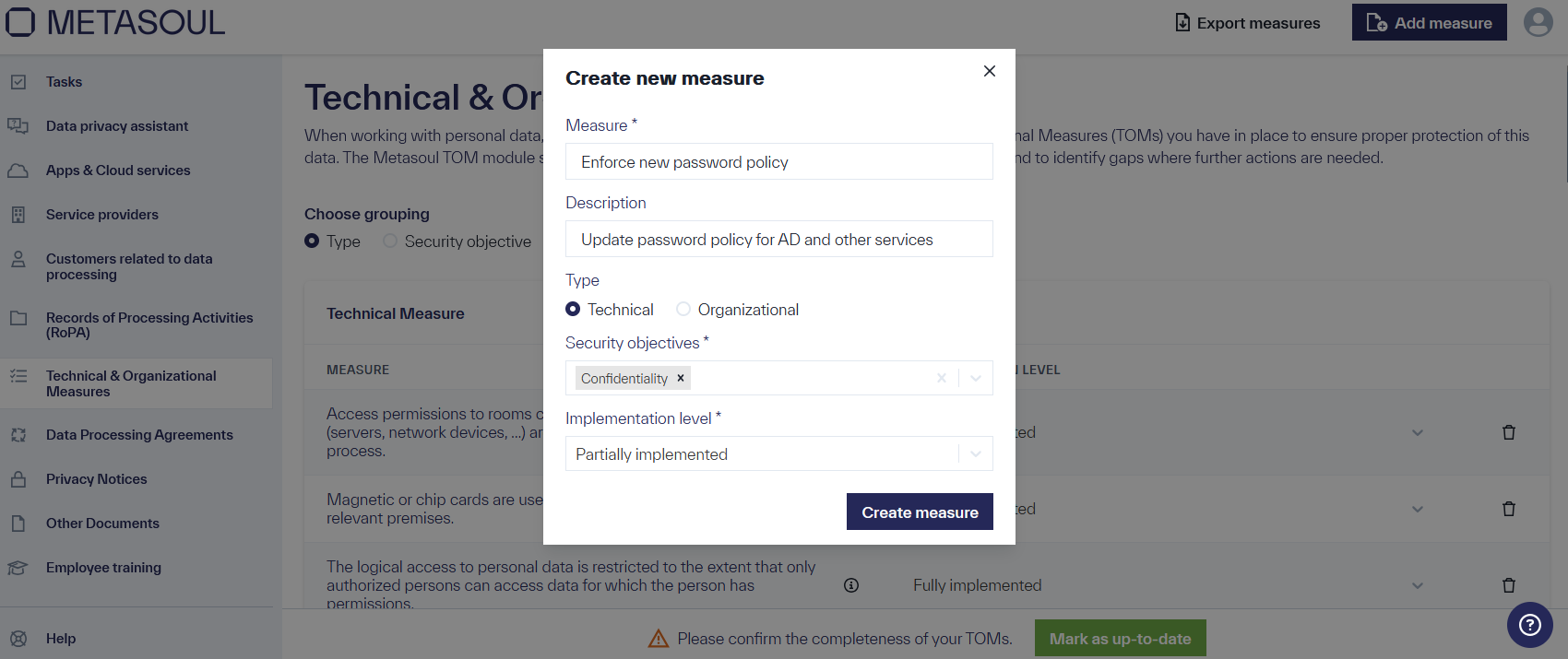
If “Add Custom Measure” is chosen, a window opens where relevant information for the custom-created technical or organizational measure can be entered.
In general, it is recommended to primarily use the Metasoul templates.
All selected or custom-created TOMs will be displayed in the TOM overview.
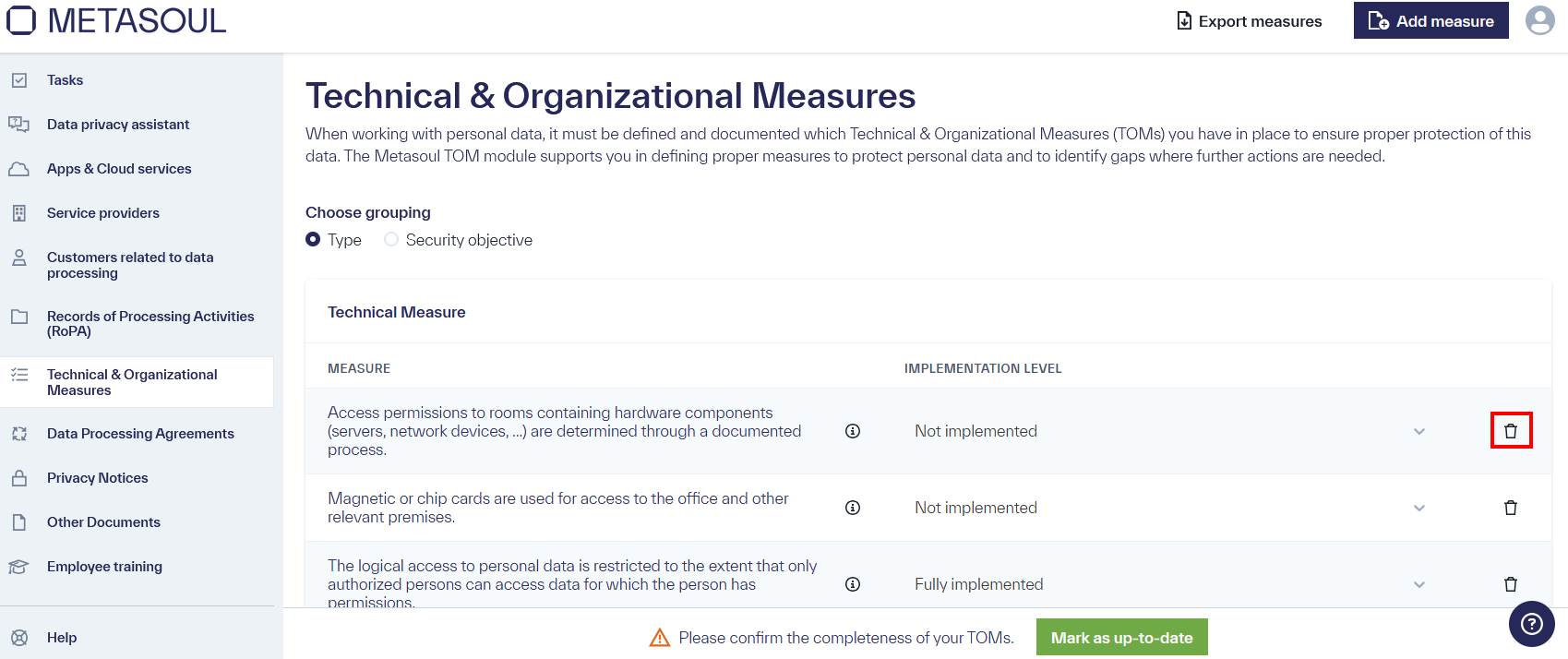
In the module “Technical & Organizational Measures”, next to each entry, there is a “trash bin” icon through which the respective technical or organizational measure can be deleted.
According to the GDPR, it is the responsibility of the controller to choose and implement appropriate technical and organizational measures. The technical and organizational measures suggested by Metasoul are based on experience and established industry practices.
This means that the controller is free to decide whether to adopt the suggestions from Metasoul and which measures to implement. In case of doubt, the Metasoul suggestions provide a good starting point. Alternatively, an expert can be consulted for advice in the specific situation.
The GDPR requires that personal data be adequately protected in relation to processing based on the associated risks through technical and organizational measures.
This means there are no clear rules on when to apply which technical and organizational measures (TOMs); instead, it must always be decided individually in the context of the respective company which measures are appropriate.
The technical and organizational measures suggested by Metasoul can serve as a good foundation, and consulting with data privacy experts may also be helpful in case of doubt.
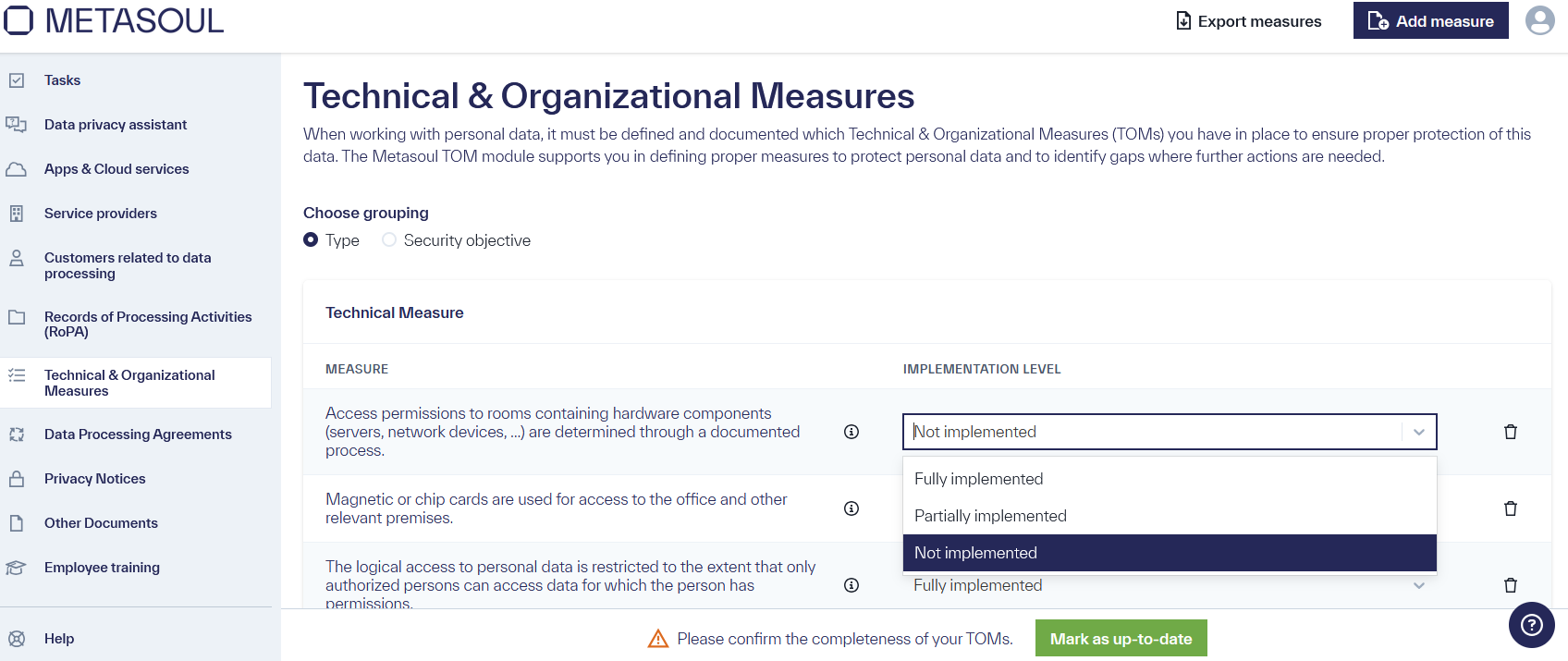
In the module “Technical & Organizational Measures”, there is a column “Implementation Level” for each TOM entry. Here, the user can choose between “Not Implemented,” “Partially Implemented,” and “Fully Implemented” to document the implementation status for each TOM.
In the module “Technical & Organizational Measures”, the documented technical and organizational measures can be grouped either by “Type” or by “Security Objective.”
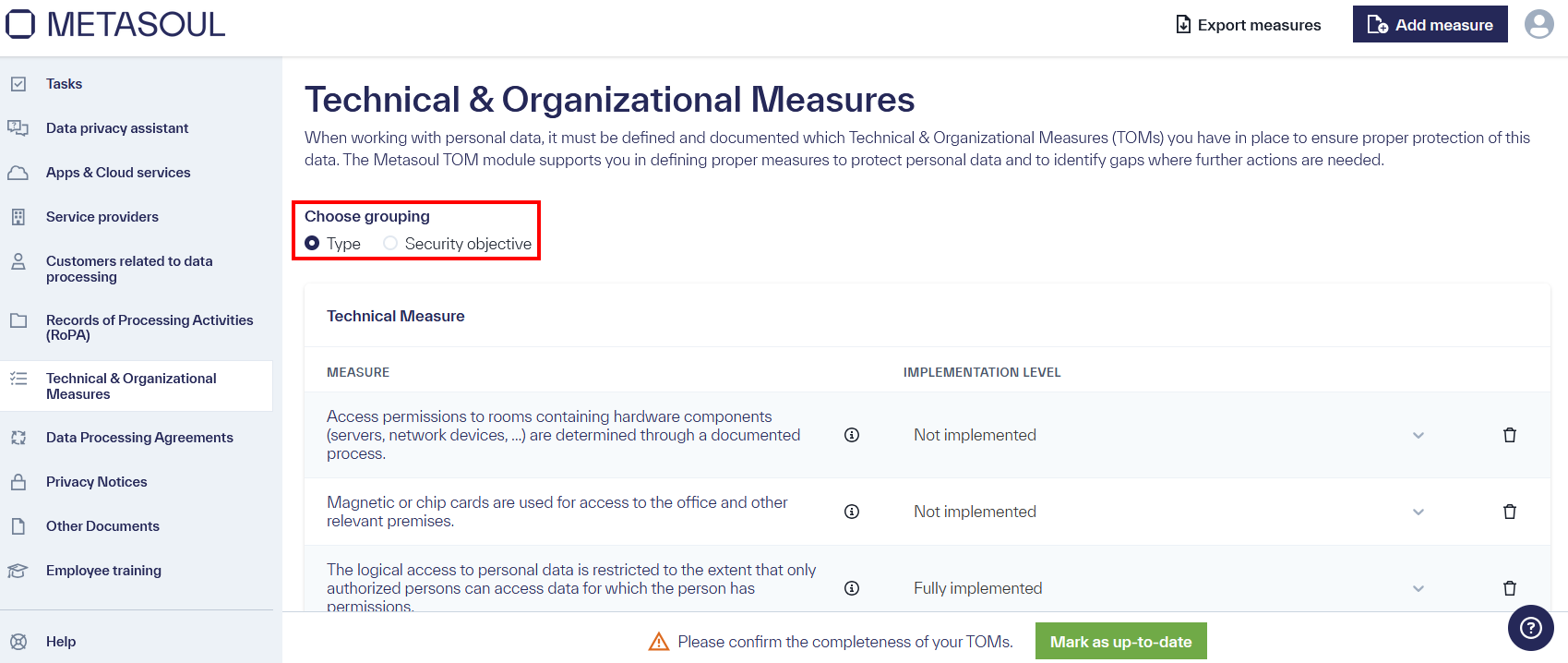
If the grouping “Type” is selected, the TOMs are divided into technical and organizational measures.
If the grouping “Security Objectives” is selected, the TOMs are divided into the following groups:
- Confidentiality
- Integrity
- Availability
- Regular review, assessment, and evaluation
The choice of grouping is not relevant from a data protection perspective but rather a matter of preference. What is important is that the correct, appropriate technical and organizational measures have been selected and implemented.
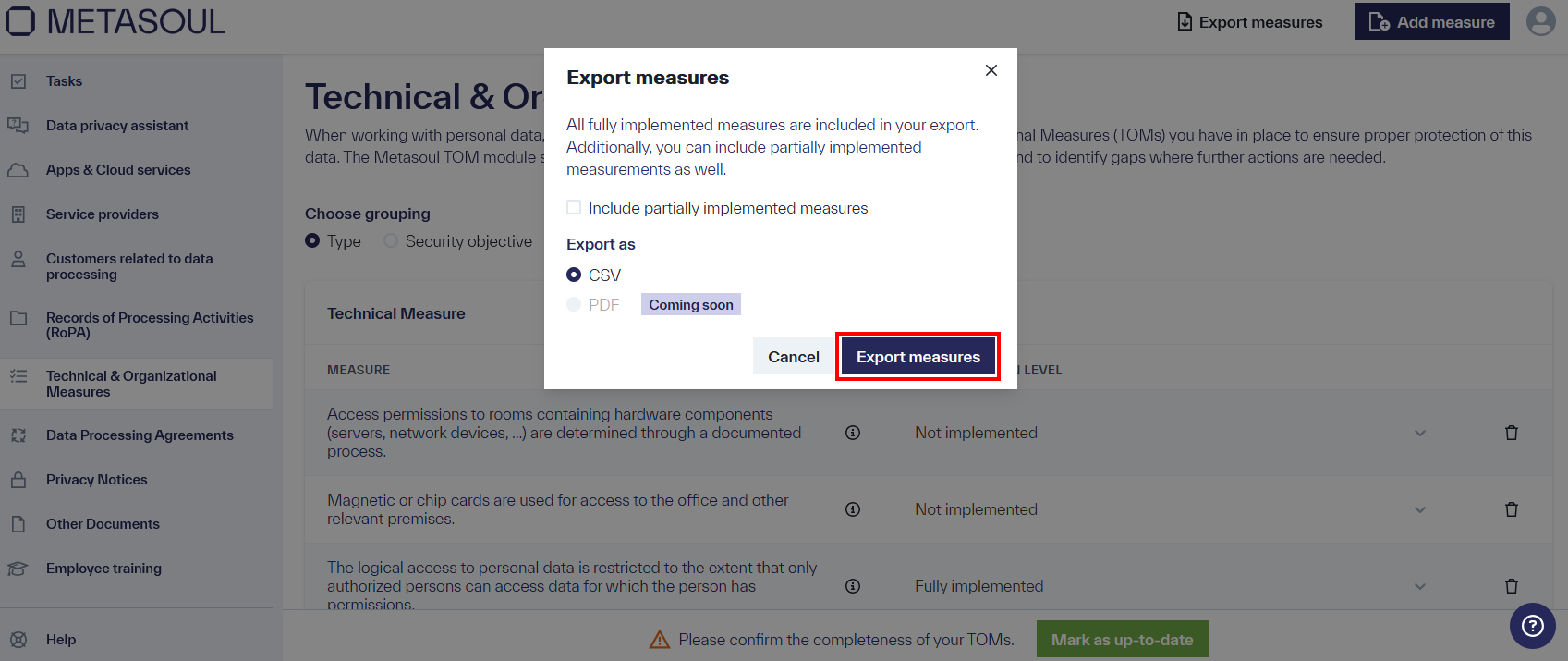
In the Metasoul module “Technical & Organizational Measures”, the “Export Measures” button is located in the top menu.
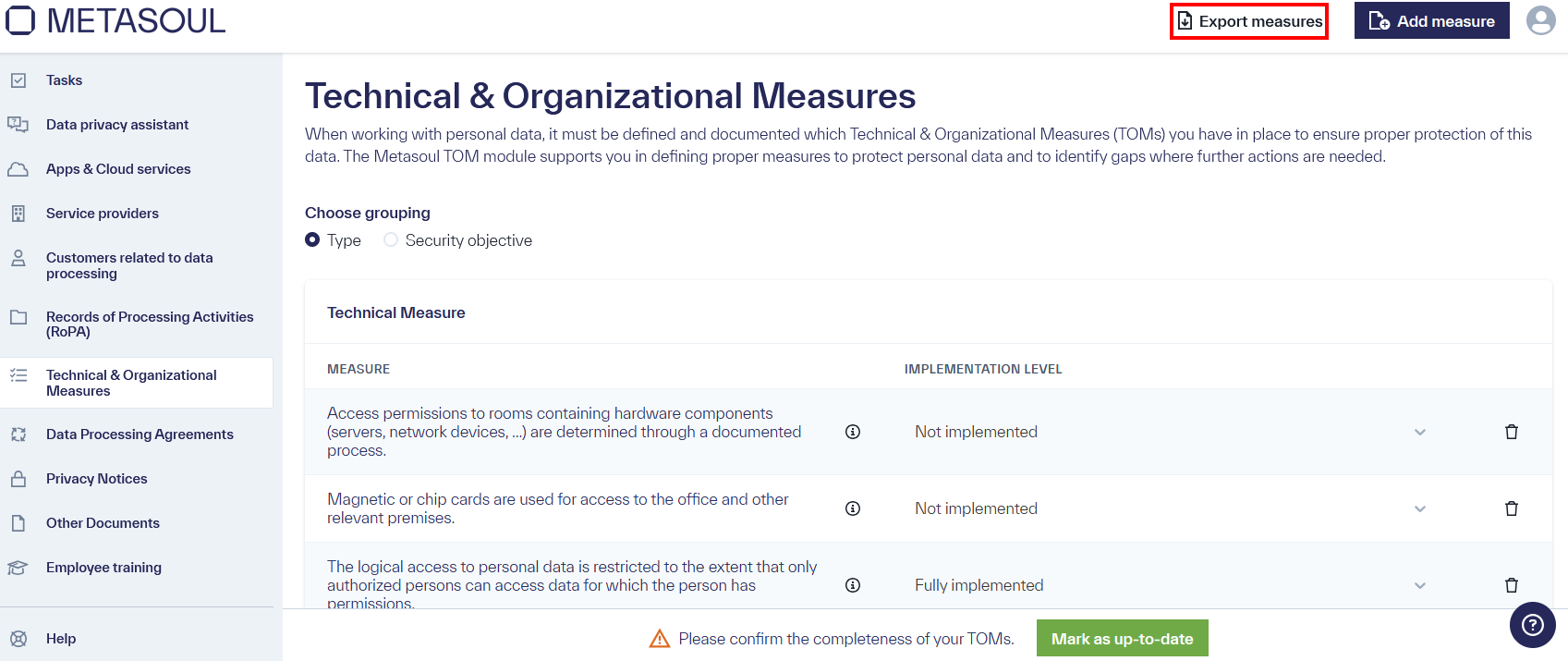
When the button is pressed, a window opens where the export format can be selected. Important: The export only includes technical and organizational measures that are fully implemented. Optionally, it can be selected in the “Export” window to include measures that are partially implemented as well.
The export can be initiated via the “Export Measures” button.
Work is currently underway to provide technical and organizational measures in a structured format for display on websites via HTML, JavaScript, or iFrame. The feature will be available soon.